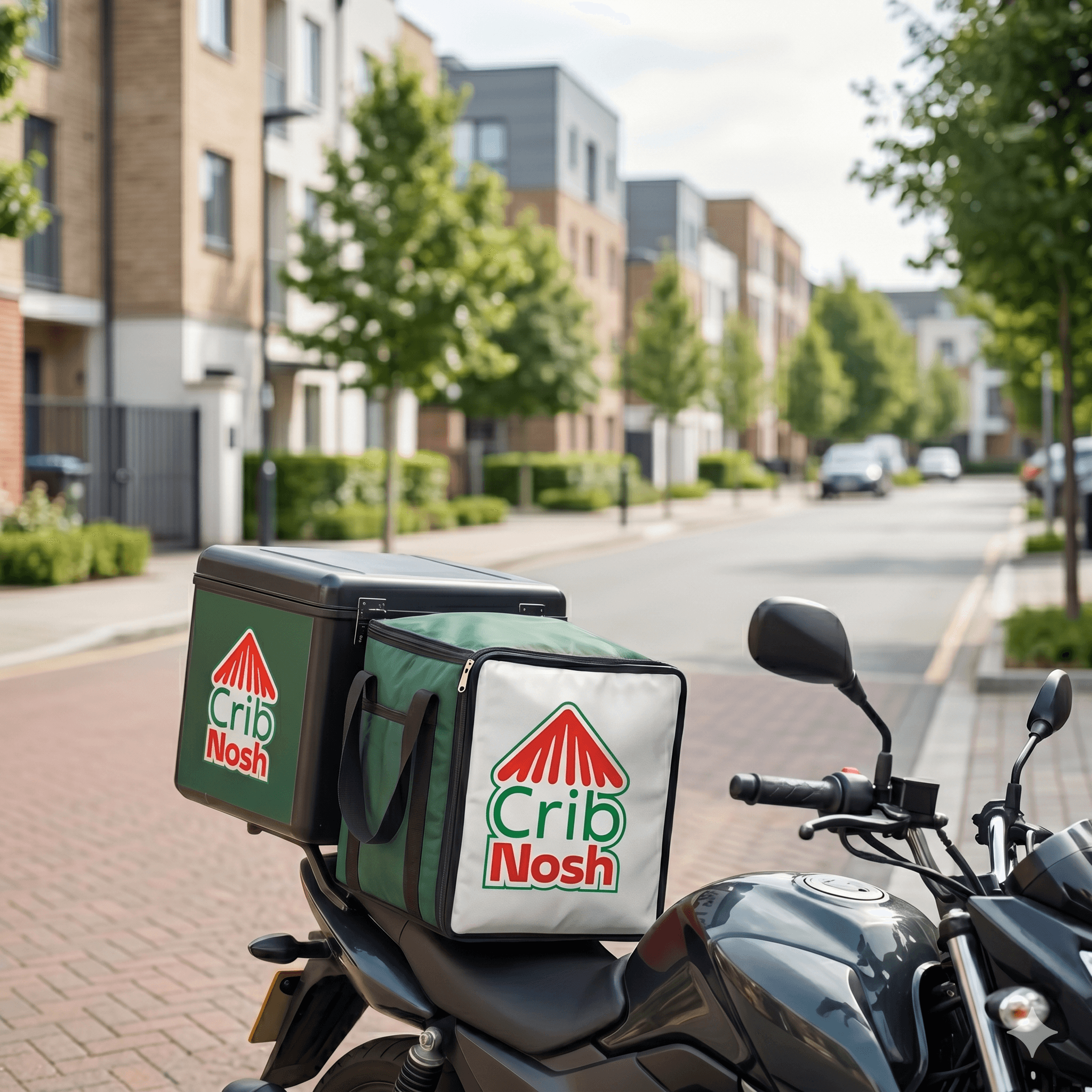
Drive on a schedule that works for you and help the meals people rave about move smoothly from kitchen to doorstep.
Everything here is built to show the work clearly: how to get started, what the flow feels like, and how you keep great food moving once you are approved.
Go online when it suits you, whether that is lunch, dinner, weekends, or a focused run after work.
Track completed drops, current earnings, and payout status without second-guessing what you have made.
Deliver around the neighborhoods you know while helping local food creators get their food to more tables.
The path is simple by design: apply, get reviewed, and get ready to take your first CribNosh run.
Start your application online and tell us where you want to deliver.
Send the documents we need to review your profile, including your licence and eligibility details.
Once approved, sign in to the driver app, go online, and start accepting delivery requests.
From pickups to drop-offs, the CribNosh Driver app keeps the route, order status, and next move in one place.
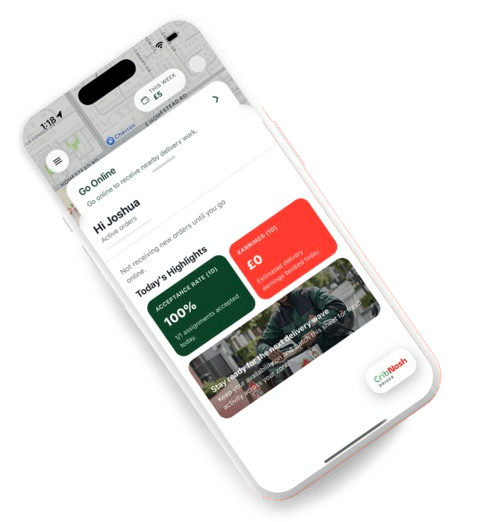
Delivery requests appear in the app with pickup details, route flow, and the next action to take.
Head to the food creator, confirm the pickup, and keep the meal moving toward the Nosher.
The Nosher stays updated while you manage handoff progress, route timing, and completed drops.
Take the next run when you want more deliveries, or sign off when you are done for the day.
You can apply anywhere CribNosh is actively expanding delivery coverage. If your zone is not open yet, we can keep your details for the next onboarding wave.
Complete the online application, upload the requested documents, and wait for approval. Once your profile is ready, sign in and continue in the CribNosh Driver app.
You need a delivery setup that fits the service area you are applying for. We confirm the vehicle requirements during the application process.
You need a smartphone that can run the CribNosh Driver app reliably, stay connected during active deliveries, and support navigation while you are online.
Your earnings are tracked in the driver flow and paid on the active payout cycle for your market. Once approved, you will be able to see the latest payout status in-app.
If this feels like your kind of work, apply now and get your driver profile reviewed.
Drive on a schedule that works for you and help the meals people rave about move smoothly from kitchen to doorstep.
Everything here is built to show the work clearly: how to get started, what the flow feels like, and how you keep great food moving once you are approved.
Go online when it suits you, whether that is lunch, dinner, weekends, or a focused run after work.
Track completed drops, current earnings, and payout status without second-guessing what you have made.
Deliver around the neighborhoods you know while helping local food creators get their food to more tables.
The path is simple by design: apply, get reviewed, and get ready to take your first CribNosh run.
Start your application online and tell us where you want to deliver.
Send the documents we need to review your profile, including your licence and eligibility details.
Once approved, sign in to the driver app, go online, and start accepting delivery requests.
From pickups to drop-offs, the CribNosh Driver app keeps the route, order status, and next move in one place.
Delivery requests appear in the app with pickup details, route flow, and the next action to take.
Head to the food creator, confirm the pickup, and keep the meal moving toward the Nosher.
The Nosher stays updated while you manage handoff progress, route timing, and completed drops.
Take the next run when you want more deliveries, or sign off when you are done for the day.
You can apply anywhere CribNosh is actively expanding delivery coverage. If your zone is not open yet, we can keep your details for the next onboarding wave.
Complete the online application, upload the requested documents, and wait for approval. Once your profile is ready, sign in and continue in the CribNosh Driver app.
You need a delivery setup that fits the service area you are applying for. We confirm the vehicle requirements during the application process.
You need a smartphone that can run the CribNosh Driver app reliably, stay connected during active deliveries, and support navigation while you are online.
Your earnings are tracked in the driver flow and paid on the active payout cycle for your market. Once approved, you will be able to see the latest payout status in-app.
If this feels like your kind of work, apply now and get your driver profile reviewed.